Keeping your website free from broken links is crucial for both user experience and search engine optimization. When visitors encounter dead links, it can lead to frustration and reduce trust in your site. Additionally, search engines may penalize pages with too many non-functioning links, which can impact your rankings. This guide will walk you through the most effective methods and tools to identify and manage broken links within your HTML, ensuring your site remains healthy and reliable.
Whether you manage a small blog or a large e-commerce platform, understanding how to check for broken links in HTML is an essential skill. By regularly auditing your site, you can quickly address issues before they affect your audience or your SEO performance. For those interested in advanced strategies, you may also want to explore what tools are used for broken link building to further optimize your link profile.
Why Monitoring Links in Your HTML Matters
Broken links—also known as dead or 404 links—occur when a hyperlink points to a page or resource that no longer exists. These issues can arise from deleted pages, changed URLs, or simple typos in your HTML. Regularly checking for these errors is vital for several reasons:
- User Experience: Visitors expect seamless navigation. Encountering dead links can disrupt their journey and reduce engagement.
- SEO Impact: Search engines crawl your site and may downgrade pages with excessive broken links, affecting your visibility.
- Professionalism: A site free of errors reflects positively on your brand and builds trust with your audience.
If you’re interested in learning how to repair these issues, check out this practical guide on how to fix broken links on your site.
Manual Methods for Detecting Dead Links
For smaller websites or individual pages, manual inspection can be an effective way to spot broken links. Here are a few approaches:
1. Browsing and Testing Links
Open your web pages in a browser and click each hyperlink to verify it leads to the intended destination. While this method is straightforward, it can be time-consuming for larger sites.
2. Using Browser Developer Tools
Most modern browsers offer developer tools that allow you to inspect elements and check link URLs directly in the HTML. Right-click on a link, select “Inspect,” and review the href attribute to ensure accuracy.
3. Searching the HTML Source
Viewing the page source (usually via right-click > “View Page Source”) lets you search for all <a> tags and review their destinations. This can help you spot obvious errors, such as typos or missing URLs.
Automated Tools for Checking Broken Links in HTML
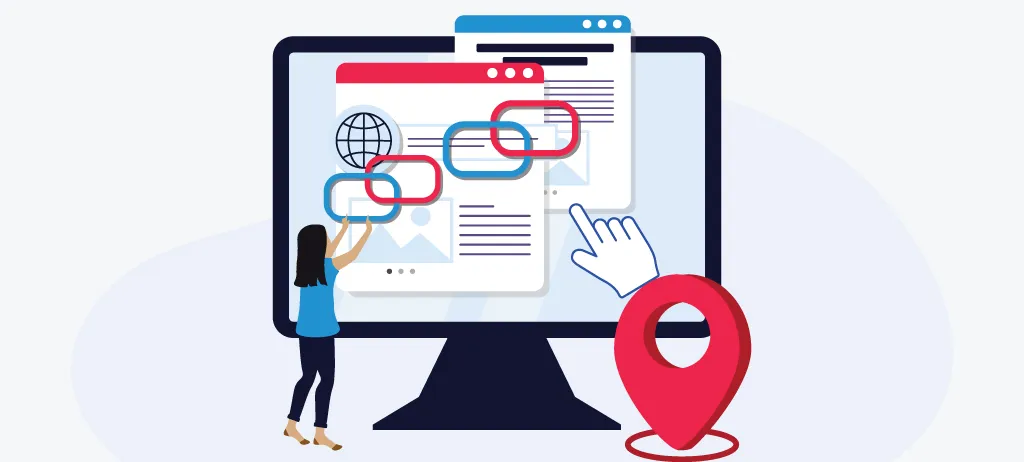
For larger websites or frequent audits, automated solutions are far more efficient. These tools scan your site and report any non-functioning links, saving you significant time and effort.
1. Online Link Checkers
Several free and paid online services can crawl your website and generate a report of all broken links. These platforms typically require you to enter your website URL, after which they scan every accessible page for issues.
2. Desktop Applications
Programs like Screaming Frog SEO Spider or Xenu’s Link Sleuth allow you to scan websites from your computer. These tools often provide detailed reports, including the location of each broken link within your HTML.
3. Browser Extensions
Extensions such as “Check My Links” for Chrome can quickly scan a page and highlight any dead links directly in your browser window. This is particularly useful for spot-checking individual pages during editing.
For a more in-depth look at competitor link profiles and opportunities, you might want to read about how to analyze competitor links for additional insights.
How to Use HTML Validators and SEO Tools
HTML validators and SEO platforms often include features for detecting broken links. These tools not only check for code errors but also scan for non-functioning URLs within your site’s markup.
- W3C Link Checker: This free service from the World Wide Web Consortium allows you to check a single page or an entire site for broken links.
- SEO Platforms: Comprehensive SEO tools like Moz Link Explorer provide detailed link analysis, including broken link detection, backlink profiles, and more.
If you’re planning a broader link building campaign, consider learning how to create content for broken link building to maximize your outreach efforts.

Best Practices for Ongoing Link Maintenance
Regularly auditing your site for broken links is only part of the process. To maintain a healthy link profile, consider these best practices:
- Schedule Regular Checks: Set reminders to scan your site monthly or quarterly, depending on how often you update content.
- Update or Remove Dead Links: When you find a broken link, either update it to a working URL or remove it entirely.
- Use Redirects Wisely: If you move or rename a page, implement 301 redirects to guide users and search engines to the new location.
- Monitor External Resources: Links to third-party sites can break without warning. Periodically verify that all external references remain valid.
If you need guidance on outreach strategies after fixing links, see this article on how to reach out for broken link replacement.
FAQ: Common Questions About Broken Link Checking
What causes links to break in HTML?
Links can break due to deleted or moved pages, changes in URL structure, typographical errors in the href attribute, or external sites going offline. Regularly reviewing your site’s links helps catch these issues early.
How often should I check for broken links?
The frequency depends on your site’s size and how often you update content. For most websites, a monthly or quarterly audit is sufficient. Sites with frequent updates or user-generated content may require more regular checks.
Are there SEO consequences for having broken links?
Yes, search engines may lower your rankings if they find too many dead links on your site. Maintaining a clean link profile is essential for both user experience and SEO performance.
Can automated tools find every broken link?
Automated tools are highly effective but may occasionally miss links hidden behind scripts or within dynamically generated content. Combining automated scans with manual checks ensures comprehensive coverage.